
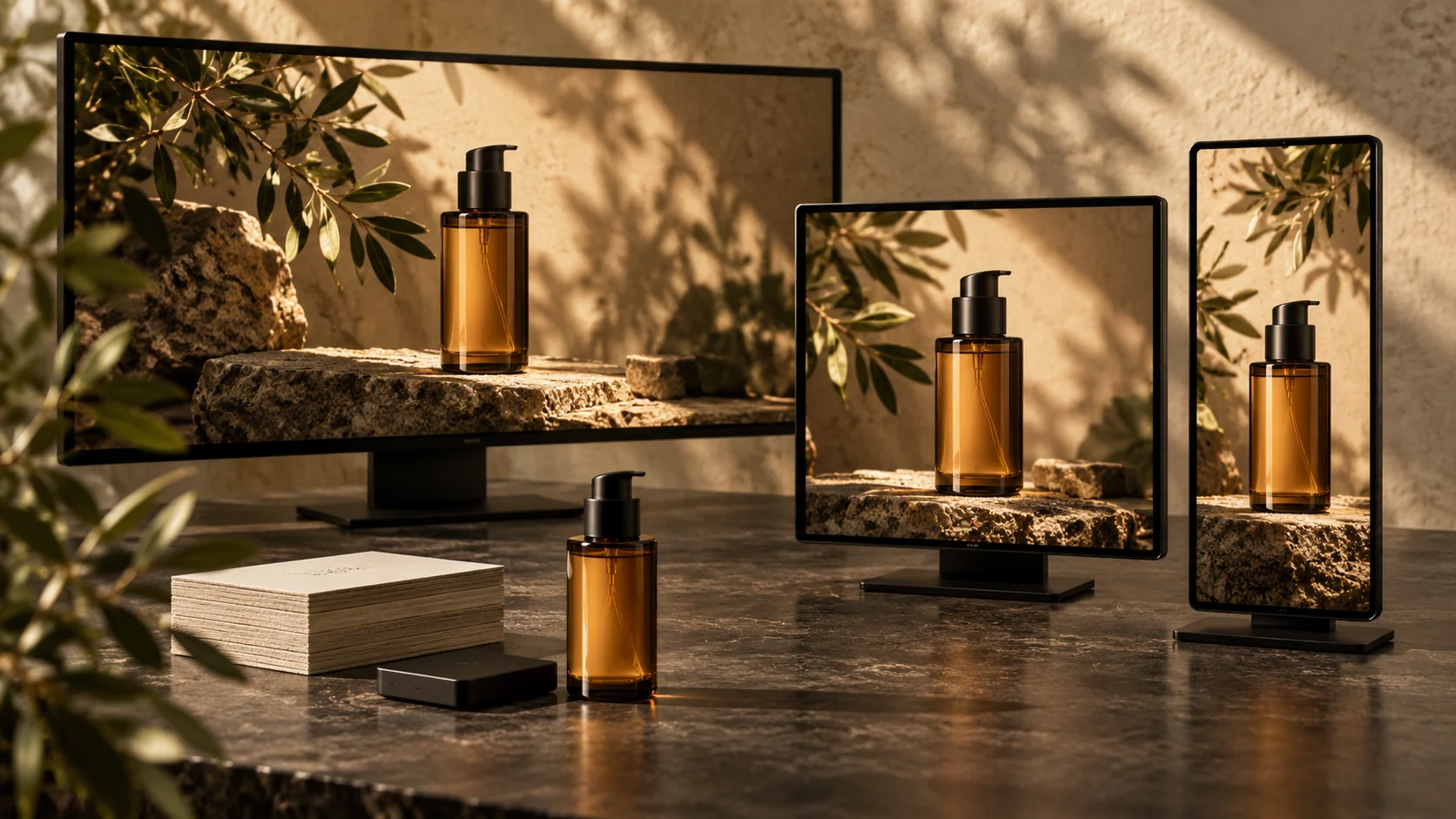
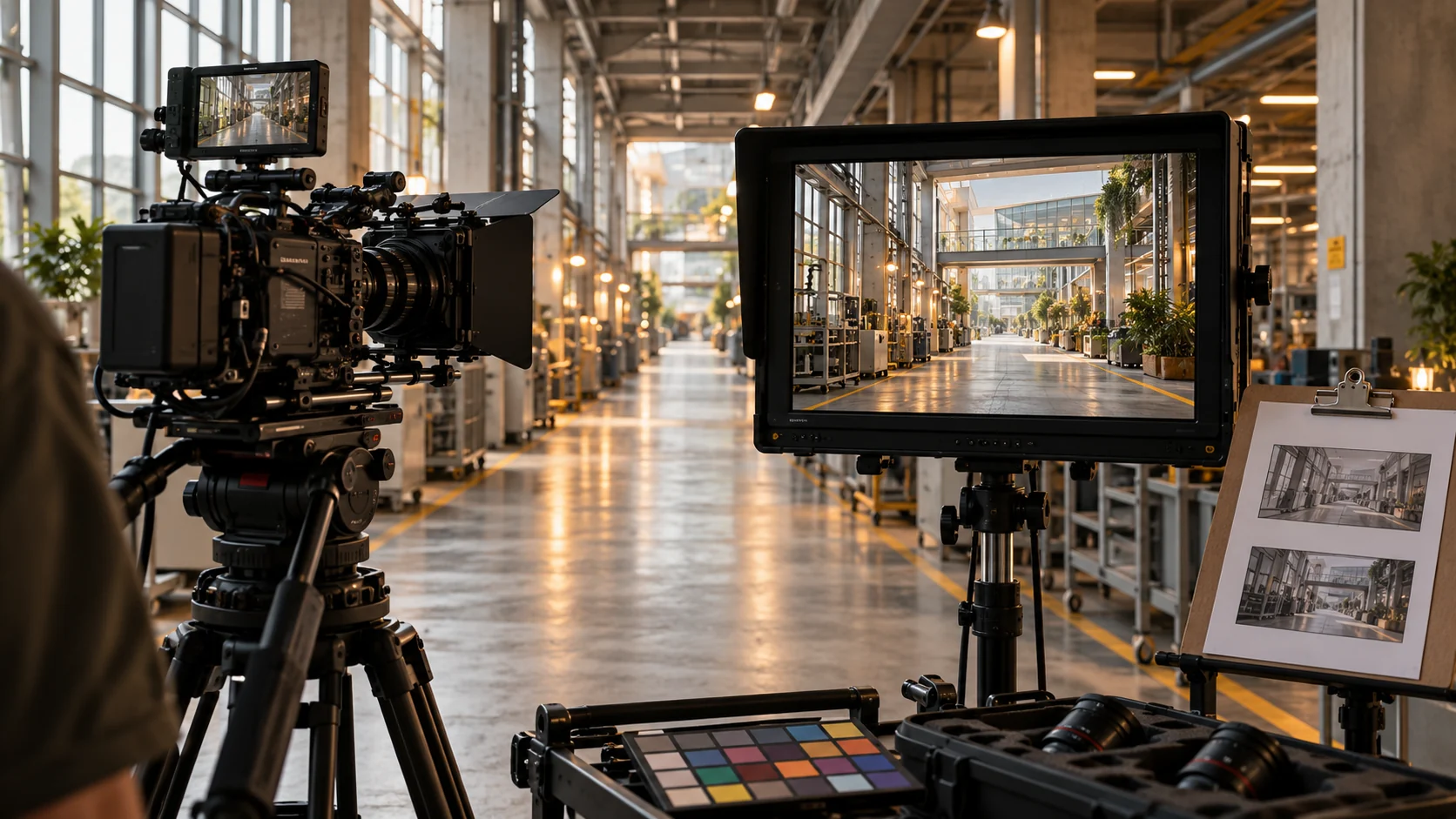


A product film may begin as one creative idea, but it rarely ends as one video file. Marketing teams need website loops, paid social cut-downs, vertical versions, retailer assets, stills and localized edits.
If these outputs are requested after the master is finished, important frames may not crop correctly and product details may become too small. A deliverables specification should be part of the brief, storyboard and shot plan.
Start with the master job
Define the role of the main film. Is it a launch film, a product demonstration, a visual brand piece, a marketplace asset or a paid social ad?
Then specify:
- target runtime;
- primary channel and placement;
- whether sound is essential;
- the main call to action;
- required product claims or disclaimers;
- target markets and languages;
- review owner and legal approval path.
The master job determines what must remain clear in every adaptation.
Build an aspect-ratio plan
List the required frames before production:
- 16:9 for websites, presentations and YouTube;
- 9:16 for Reels, Shorts, Stories and other vertical placements;
- 1:1 for square feeds and some marketplace placements;
- 4:5 when the media plan requires portrait feed inventory.
Do not assume a centre crop will work. Products may sit off-axis, packaging text may be near an edge and talent eyelines may break in vertical framing.
Use safe zones in boards and capture alternate compositions when necessary. For AI-generated scenes, approve key frames in every critical ratio or build with enough surrounding image to recompose safely.
Specify durations and edit logic
A 30-second master does not automatically become a strong six-second ad. Short versions need their own message hierarchy.
Define a useful family such as:
- hero film;
- 15-second benefit cut;
- 6-second product or mnemonic cut;
- looping website or retail display version;
- individual feature clips;
- opening hooks for testing.
Identify which scenes are essential in each duration. Preserve enough time for the product name, key benefit and call to action to be understood.
Lock product accuracy
Before frames move, create an accuracy checklist covering:
- silhouette and proportions;
- label, logo and spelling;
- packaging colour;
- cap, pump, closure or hardware;
- liquid, glass, metal or fabric behaviour;
- required orientation;
- approved claims and disclaimers;
- elements that may not be stylized.
Choose a hero reference set and one decision owner. If the product will be generated with AI, approve still frames before animation and use compositing or 3D where generation alone cannot protect a detail.
The Inside MORI breakdown shows why product locks and review gates matter.
Plan text and captions
Many product videos are viewed without sound. Decide what must be communicated visually and what can remain in voiceover.
Specify:
- burned-in caption versions;
- clean versions without captions;
- subtitle files;
- textless international masters;
- end cards and call-to-action variants;
- legal line duration and minimum size;
- platform-safe placement around interface controls.
Check spelling and claims against the approved source, not an old storyboard image.
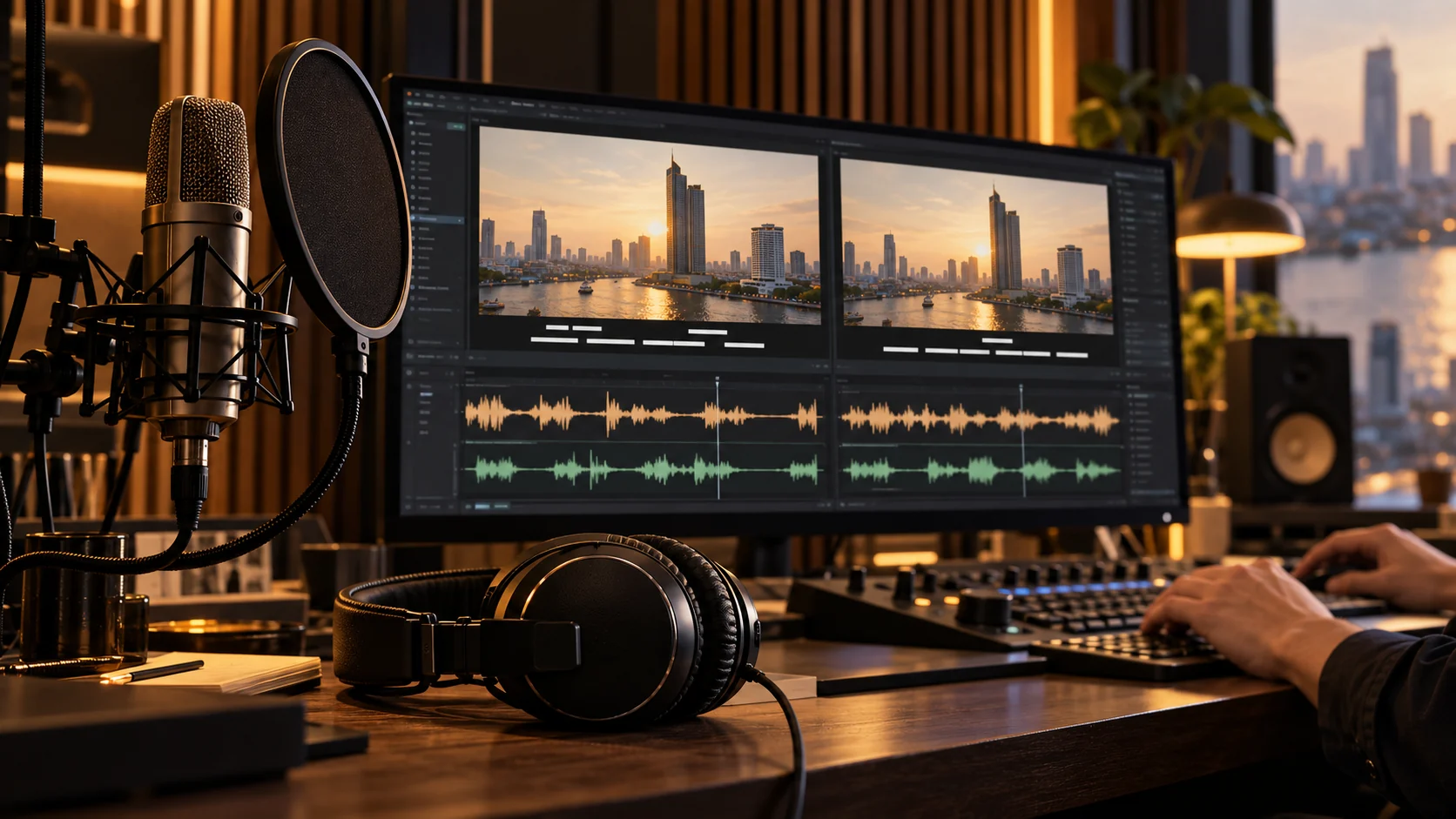
Include sound deliverables
The soundtrack may need more than one mix. Request what the campaign actually needs:
- full mix;
- music-and-effects mix;
- voiceover stem;
- music stem when the licence permits;
- effects stem;
- silent-autoplay version designed to remain understandable;
- loudness specification required by the destination.
Confirm music and voice usage for the campaign territories, channels and duration. Keep licence documentation with the project archive.
Define image and still outputs
Approved video frames can support thumbnails, presentations and social posts, but not every frame will hold at high resolution.
If stills are important, include them as deliverables. Specify orientation, resolution, retouching and whether the still must carry copy. Consider a clean product frame, a campaign key visual and platform thumbnails with a consistent focal point.
This is more reliable than extracting random frames from compressed final files.
Use a clear technical specification
The production partner should confirm:
- resolution and frame rate;
- codec and container;
- colour space;
- audio layout and loudness;
- caption format;
- maximum file size where a platform imposes one;
- alpha channel or transparent background needs;
- naming convention;
- delivery and archive method.
Platform requirements change, so final export settings should be checked against the current media plan near delivery rather than copied from an old campaign.
Create a version matrix
Use one row per file. Recommended columns are:
- campaign and asset name;
- language;
- duration;
- aspect ratio;
- caption state;
- end-card or call-to-action version;
- channel;
- technical format;
- approval status;
- final filename.
This matrix becomes the production checklist and delivery manifest. It also exposes duplicate versions before they consume unnecessary editing time.
Run product-specific quality control
Watch every final file at normal speed, frame by frame around complex transitions and on a real phone when it is a mobile placement.
Check:
- product consistency between shots;
- label and legal-text readability;
- unwanted warping, reflections or edge artifacts;
- colour consistency;
- caption timing and safe zones;
- clean audio starts and endings;
- correct language and call to action;
- filename and version metadata;
- actual exported duration, dimensions and frame rate.
Quality control must be performed on the delivered files, not only on the editing timeline.
Design the asset family before production
The most efficient product-video plan begins with the complete campaign system. The hero film, cut-downs, vertical versions, stills and localizations can then share approved product references and one visual direction.
For a broader asset strategy, read How to Turn One AI Film Into a Full Content Series. To plan a product-film deliverable matrix with Cinenamon, send the brief and channel list.